
Estimated reading time: 2.9 mins read
Introduction to Sets in Python
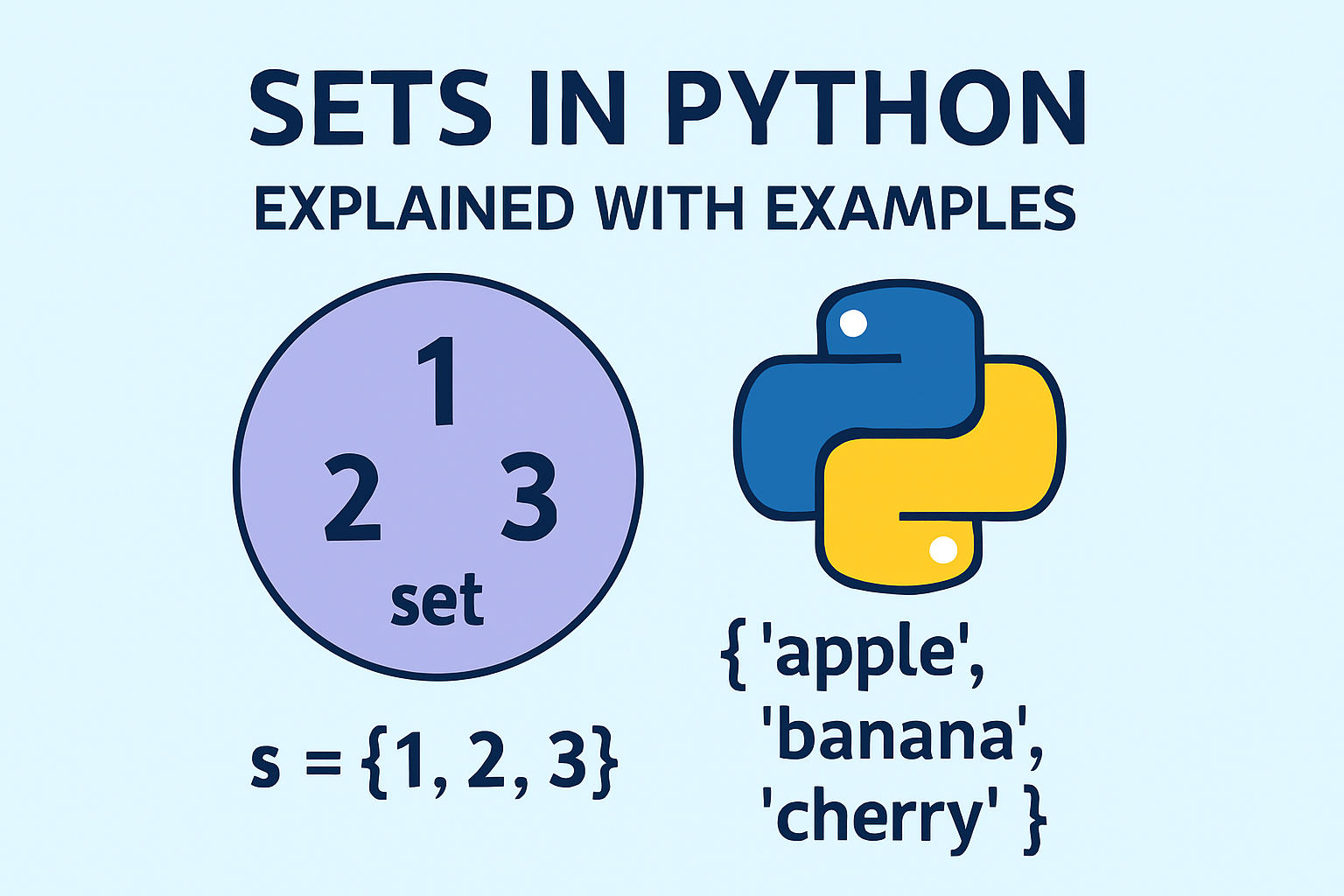
A set in Python is a built-in data structure used to store unique values. Sets are particularly useful when working with collections where duplicates are not allowed or when performing mathematical set operations such as union and intersection.
Python sets are optimized for performance and are commonly used in real-world applications involving data validation, filtering, and comparison.
Key Characteristics of Python Sets
- Stores only unique elements
- Unordered collection (no indexing)
- Mutable (elements can be added or removed)
- Supports multiple data types
- Uses hashing for fast lookups
Creating Sets in Python
collection1 = {1, 2, 3, 4}
Important note:
An empty set must be created using set().
Using {} creates an empty dictionary, not a set.
collection4 = set()
How Sets Handle Duplicate Values
Input Values:   1, 2, 3, 4, 4, 3, 2, 1
Set Output:    {1, 2, 3, 4}
Duplicate values are automatically removed when a set is created.
Example Code: Understanding Sets Step by Step
collection1 = {1, 2, 3, 4}

collection2 = {1, 2, 3, 4, "Hi", "Hello", "Bye", 1.0}

collection3 = {1, 2, 3, 4, 4, 3, 2, 1}

collection4 = set()
Explanation
collection1contains only integerscollection2contains mixed data typescollection3demonstrates automatic removal of duplicatescollection4is an empty set
Note:1 and 1.0 are considered the same value in a set.
Checking Type and Length of a Set
print(type(collection1))
print(len(collection1))
The len() function counts only unique elements.
Adding Elements to a Set
collection4.add(1)
collection4.add(2)
collection4.add(3)
collection4.add(4)
collection4.add(1)   # Duplicate value ignored
Sets do not allow duplicate entries, so adding the same value again has no effect.
Removing Elements from a Set
remove() Method
collection4.remove(3)
- Removes a specific element
- Raises a
KeyErrorif the element does not exist
# collection4.remove(5) # Raises KeyError
Difference Between remove() and pop() in Sets
| Feature | remove() | pop() |
|---|---|---|
| Removes | Specific element | Random element |
| Argument required | Yes | No |
| Predictable removal | Yes | No |
| Error if element missing | Yes | Yes |
pop() Example
removed_item = collection4.pop()
Because sets are unordered, the element removed by pop() is unpredictable.
Before pop(): {1, 2, 3, 4}
After pop():  {1, 3, 4}  (example output)
Clearing All Elements from a Set
collection4.clear()
The clear() method removes all elements and leaves the set empty.
Set Operations in Python
Union
collection1.union(collection2)
Returns all unique elements from both sets.
Intersection
collection1.intersection(collection2)
Returns only the common elements.
Set A: {1, 2, 3, 4}
Set B: {3, 4, 5, 6}

Union:        {1, 2, 3, 4, 5, 6}
Intersection: {3, 4}
What Can and Cannot Be Stored in a Set
collection4.add((6, 7, 8))   # Allowed (tuple)
collection4.add([9, 10])    # Not allowed (list)
Only immutable (hashable) data types can be stored in a set.
Real-World Use Cases of Python Sets
- Removing duplicate values from data
- Tracking unique user sessions
- Comparing datasets
- Filtering unique records
- Validating input data
Important Inteview Qs&As
What is a set in Python?
A set is an unordered collection of unique elements.
Why are sets faster than lists?
Sets use hashing, which allows faster lookup and membership checks.
Can a set contain duplicate values?
No, sets automatically remove duplicates.
What is the difference between remove() and pop()?
remove() deletes a specific element, while pop() removes a random element.
How do you create an empty set?
my_set = set()
Can a set contain mutable elements?
No. Mutable elements like lists cannot be stored in sets.
When should you use a set instead of a list?
When you need uniqueness and fast membership testing.
Leave a Reply