
Estimated reading time: 5.1 mins read
Modern web applications are highly visual, dynamic, and component-driven. While functional automation tools such as Selenium or Playwright ensure workflows work correctly, they often fail to catch visual defects like misaligned elements, broken layouts, missing components, or CSS regressions. This is where Applitools becomes essential.
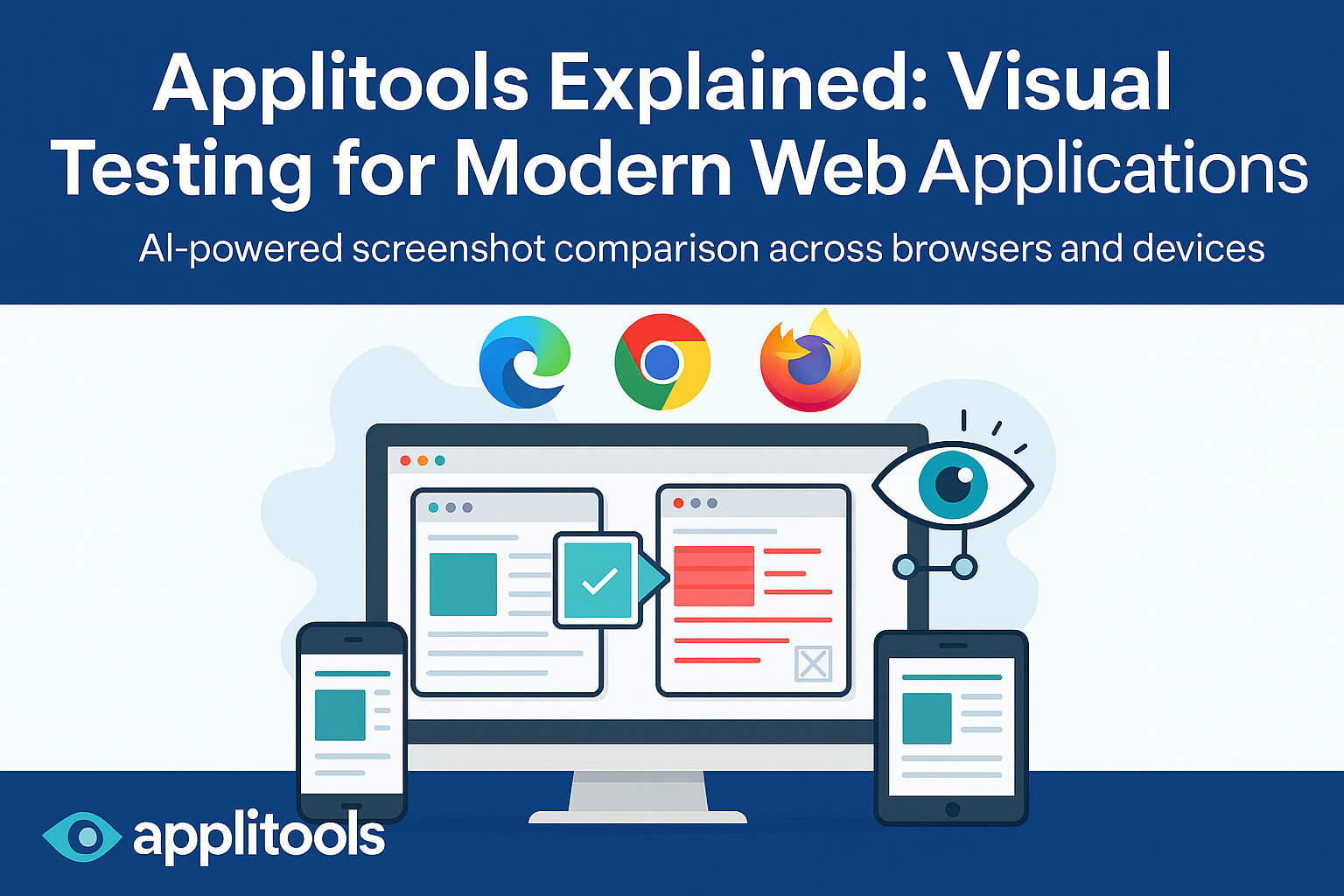
Applitools is a Visual AI–powered testing platform that validates how an application looks, not just how it behaves. It helps teams detect UI regressions automatically across browsers, devices, and screen sizes.
What Is Applitools?
Applitools is a visual testing platform that compares screenshots of your application against approved baselines using artificial intelligence. Instead of performing pixel-by-pixel comparison, it understands layout, structure, spacing, and visual intent in a human-like way.
It integrates seamlessly with popular automation tools such as:
- Selenium
- Playwright
- Cypress
- WebdriverIO
- Appium
and supports languages including Java, JavaScript, Python, and C#.
Why Visual Testing Is Necessary
Traditional automation validates logic and behavior:
- Button clicks
- Navigation
- API responses
- Form submissions
However, many production bugs are visual in nature:
- Broken layouts after CSS changes
- Overlapping elements
- Incorrect spacing or alignment
- Missing images
- Responsive design failures
- Font or color regressions
These issues often go undetected by functional assertions. Applitools fills this gap by validating the user interface visually.
Core Concept Behind Applitools
Applitools works using three key ideas:
- Capture screenshots during test execution
- Compare them with approved baseline images
- Highlight meaningful visual differences
Instead of relying on pixel-level comparison, Applitools uses Visual AI, which understands structure and layout similarly to how a human reviewer would.
Key Components of Applitools
Applitools Eyes
Eyes is the SDK that integrates with your automation framework. It manages:
- Screenshot capture
- Communication with the Applitools server
- Baseline comparison
- Result reporting
Each test opens an Eyes session, performs visual checks, and then closes the session to send results for validation.
Baselines
A baseline is an approved reference image representing the correct UI state. On the first execution, screenshots become baselines. On subsequent runs, new images are compared against them to detect changes.
Baselines form the foundation of visual regression testing.
Match Levels
Applitools offers different comparison strategies:
- Strict – checks layout, text, and colors (default)
- Layout – checks structure only, ignores text and colors
- Content – ignores colors, checks layout and text
- Exact – pixel-perfect comparison
Choosing the right match level helps balance accuracy and stability.
Ignore and Floating Regions
To handle dynamic content such as timestamps or personalized data, Applitools allows:
- Ignoring specific regions
- Allowing elements to move within defined boundaries
- Ignoring colors or minor differences
This reduces noise and false positives in test results.
Ultrafast Grid: Cross-Browser Testing at Scale
The Ultrafast Grid is one of Applitools’ most powerful features. It renders snapshots across multiple browsers and devices in parallel without running tests locally on each environment.
With a single test execution, teams can validate:
- Chrome, Firefox, Edge
- Different resolutions
- Mobile and tablet layouts
This significantly reduces execution time while increasing coverage.
How Applitools Fits into a Real Application Architecture
A typical enterprise flow looks like this:
AEM Author → Publish → CDN → Browser
Selenium or Playwright interacts with the browser
Applitools captures and validates the UI
In this setup:
- A content management system (such as Adobe Experience Manager) creates and publishes pages
- The CDN delivers content to users
- Automation opens the site like a real user
- Applitools verifies that the visual output matches expectations
This model is common in large, content-heavy and component-driven platforms.
Typical Applitools Test Flow
- Initialize Applitools Eyes
- Open a visual test session
- Navigate to the application
- Capture visual checkpoints
- Close the test and upload results
- Review differences in the Applitools dashboard
Each test is associated with an application name and test name for easy tracking.
Handling Dynamic and Content-Driven Pages
Applications built on CMS platforms frequently change. Applitools supports this through:
- Layout-based validation
- Ignored regions
- Component-level checks
- Locale-specific baselines
- Branch-based baseline management
This allows teams to validate structure while allowing content updates.
CI/CD Integration
Applitools integrates with all major CI/CD tools, including:
- Jenkins
- GitHub Actions
- GitLab CI
- Azure DevOps
- TeamCity
Visual tests can be triggered automatically during pull requests or deployment pipelines, enabling early detection of UI regressions.
Baseline Branching Strategy
Applitools supports Git-style branching:
- Main branch maintains stable baselines
- Feature branches inherit from main
- Only visual differences are reviewed
This supports parallel development and clean baseline management.
Benefits of Using Applitools
- Detects UI regressions missed by functional automation
- Reduces manual visual testing effort
- Supports cross-browser and responsive testing
- Scales well for enterprise applications
- Integrates easily into CI/CD pipelines
- Improves confidence in UI releases
Limitations / Things to Know
- Paid tool (license-based)
- Needs baseline management discipline
- Initial learning curve
- Not a replacement for functional testing
Important Interview Q’s and A’s
What is Applitools?
Applitools is a visual testing platform that uses AI to detect UI differences by comparing screenshots with approved baselines.
What problem does Applitools solve?
It identifies visual regressions that functional automation tools cannot detect.
What is Visual AI?
Visual AI is an AI-based approach that understands layout and structure instead of comparing pixels.
What is Applitools Eyes?
Eyes is the SDK used to capture screenshots and send them for visual validation.
What is a baseline?
A baseline is an approved reference image used for visual comparison in future test runs.
What are match levels?
Match levels define how strictly screenshots are compared: Strict, Layout, Content, and Exact.
What is the Ultrafast Grid?
A cloud-based rendering system that runs visual tests across multiple browsers and devices in parallel.
How do you handle dynamic content?
By using ignore regions, layout matching, or floating regions.
Does Applitools replace Selenium or Playwright?
No. It complements them by handling visual validation while those tools manage functional behavior.
Can Applitools be used in CI/CD?
Yes, it integrates with all major CI/CD platforms.
Why is Applitools useful in enterprise projects?
Because it scales well, reduces manual testing, catches UI regressions early, and supports complex architectures.
Happy Learning !
Leave a Reply