
Estimated reading time: 2.6 mins read
Introduction
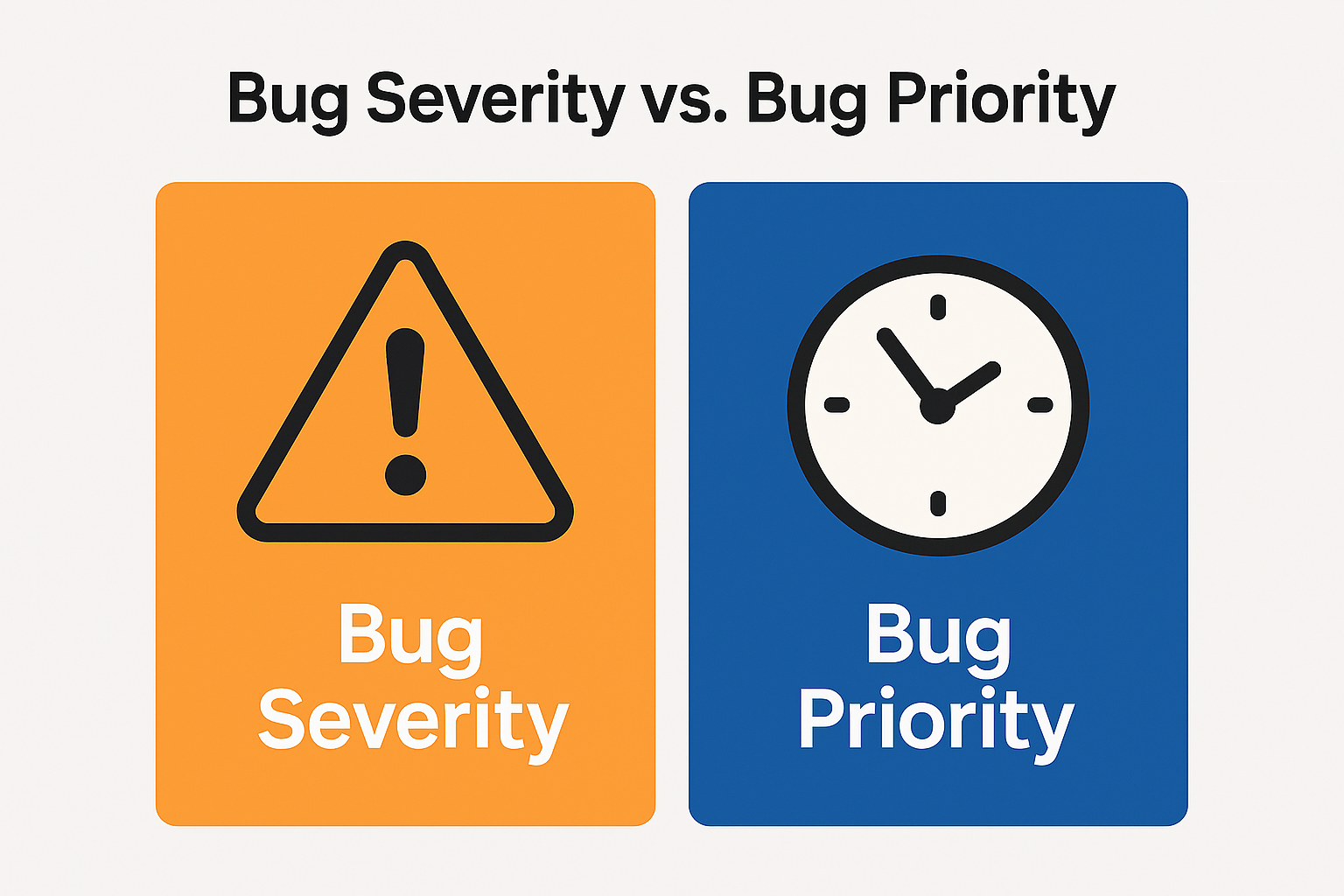
In software testing, two terms help teams decide which defects must be fixed first: Bug Severity and Bug Priority. Although they sound similar, each measures a different aspect of a defect. Understanding both is essential for delivering a reliable product, whether it’s an e-commerce site, a banking platform, or automotive software.
What Is Bug Severity?
Bug Severity describes how serious the defect is from a technical or functional standpoint.
It is usually reported by QA/Test Engineers.
Common severity levels:
- Blocker: System or feature is completely unusable
- Critical: A major feature fails or causes system instability
- Major: Important functionality affected but system still usable
- Minor: Small issue with limited impact
- Trivial: Cosmetic errors
What Is Bug Priority?
Bug Priority defines how urgently the defect must be fixed based on business impact.
It is usually decided by Product Owners, QA Leads, and Developers.
Priority levels: High, Medium, Low.
Real-Life Examples
Below is a combined Severity + Priority example table from multiple industries and top platforms.
| Industry / Platform | Example Bug | Severity | Priority | Reason |
|---|---|---|---|---|
| Amazon (E-commerce) | Checkout page not loading | Blocker | High | Stops purchases and revenue |
| Product image zoom not working | Major | Medium | Affects UX but not purchase flow | |
| Typo in homepage banner | Trivial | High | Impacts brand image | |
| Netflix (Streaming) | Video does not play when clicking Play | Critical | High | Core feature broken |
| Wrong poster displayed for a movie | Minor | Medium | Misleads users but video works | |
| Subtitle alignment slightly off | Trivial | Low | Cosmetic only | |
| Google (Search) | Search bar not accepting input | Blocker | High | Core service unusable |
| Outdated data shown in search snippets | Major | Medium | Affects trust but search works | |
| Logo alignment issue | Trivial | Low | UI cosmetic issue | |
| Banking App | Fund transfer not processed after submitting | Critical | High | Financial impact for users |
| Mini-statement shows incomplete data | Major | Medium | Impacts information accuracy | |
| Tooltip misaligned on login screen | Trivial | Low | No functional impact | |
| Automotive (Digital Dashboard) | Speedometer not turning on | Blocker | High | Safety risk; car cannot proceed |
| Fuel gauge updates slowly | Minor | Medium | UX issue but driving works | |
| Variant text on dashboard misspelled | Trivial | High | Affects brand quality |
Why This Classification Matters
A correct understanding of severity and priority ensures that teams:
- Fix the most impactful defects first
- Protect business revenue and user trust
- Maintain safety and regulatory compliance (especially in banking and automotive)
- Release software on time with fewer production issues
Important Interview Qs & As
1. What is the difference between Bug Severity and Bug Priority?
Answer:
Priority: Measures urgency to fix based on business needs (Product Owner/QA Lead decides).
Example: Typo on homepage → Low severity, High priority (affects brand image).
Severity: Measures technical impact of a defect (QA reports).
2. Can a bug have high severity but low priority? Explain.
Answer:Yes. A critical defect may not affect most users immediately.
Example: Rarely used feature crashes → Severity = Critical, Priority = Low.
3. Can a bug have low severity but high priority? Explain.
Answer:
Yes. Minor or cosmetic issues may need urgent attention for business reasons.
Example: Homepage banner typo → Severity = Trivial, Priority = High.
4. Why is it important to classify bugs by severity and priority?
Answer:
Helps release software on time with fewer issues
Ensures critical defects are fixed first
Protects revenue and user trust
Maintains safety and compliance
5. Give an example of a blocker bug in an e-commerce platform.
Answer:
Example: Checkout page not loading → Severity = Blocker, Priority = High (stops purchases and revenue).
Happy Learning !
Leave a Reply