
Estimated reading time: 3.4 mins read
Introduction
In today’s digital world, user satisfaction is the key to product success. When developing applications, two critical testing approaches often come into play: UI Testing and UX Testing. Although they sound similar, they focus on very different aspects of software. Understanding the difference is crucial for developers, testers, and product managers alike.
This blog will explain UI vs UX Testing, their objectives, key differences, popular industry tools, and common interview questions.
What is UI Testing?
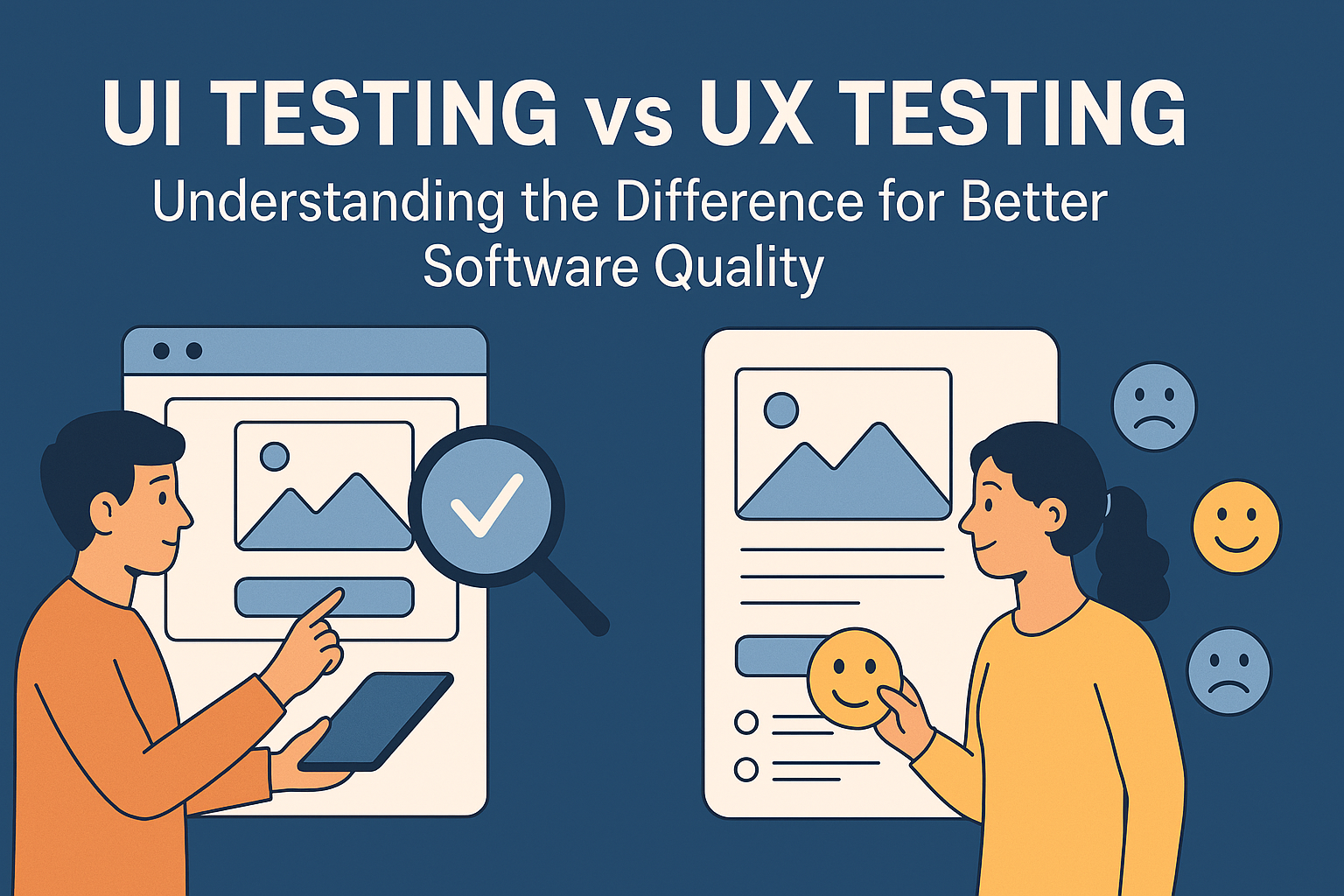
UI Testing (User Interface Testing) is the process of verifying that the graphical interface of an application works as expected. It ensures that buttons, menus, forms, and other visual elements function correctly and are visually consistent.
Key Objectives of UI Testing:
- Check if all UI elements are displayed correctly.
- Validate navigation flow, buttons, forms, and links.
- Ensure responsiveness on different devices and screen sizes.
- Identify UI defects like misaligned text, broken images, or missing elements.
Example: If a login form button is not clickable or a drop-down menu doesn’t open, UI testing identifies the problem.
Popular UI Testing Tools:
- Selenium: Open-source tool for automating web UI testing.
- Playwright: Modern framework for end-to-end web testing.
- Cypress: Great for real-time front-end testing with a user-friendly interface.
- Appium: For mobile application UI testing across Android and iOS.
What is UX Testing?
UX Testing (User Experience Testing) evaluates how users interact with the application and their overall experience. UX testing focuses on usability, accessibility, and satisfaction rather than technical functionality.
Key Objectives of UX Testing:
- Ensure the app is intuitive and easy to use.
- Identify pain points in user workflows.
- Gather feedback on design, readability, and navigation.
- Test accessibility for users with disabilities.
Example: If a user struggles to find the checkout button or the registration process is confusing, UX testing highlights these issues.
Popular UX Testing Tools:
- Hotjar: Provides heatmaps and session recordings to analyze user behavior.
- UserTesting: Allows real users to test your app and give feedback.
- Lookback.io: Facilitates live remote usability testing.
- Optimal Workshop: Useful for card sorting, tree testing, and navigation studies.
UI Testing vs UX Testing: Key Differences
| Feature | UI Testing | UX Testing |
|---|---|---|
| Focus | Looks at the interface elements | Looks at the overall user experience |
| Goal | Ensure UI works correctly | Ensure the app is user-friendly and intuitive |
| Type of Testing | Functional and visual | Usability and behavioral |
| Performed By | QA testers | UX designers, product managers, sometimes QA |
| Tools Used | Selenium, Cypress, Playwright, Appium | Hotjar, UserTesting, Lookback.io, Optimal Workshop |
| Measurement | Pass/fail of UI elements | User satisfaction, engagement, and task success |
Popular Tools for Industry UI/UX Testing
Here’s a combined list of industry-standard tools for both UI and UX testing:
UI Testing Tools:
- Selenium
- Playwright
- Cypress
- Appium
UX Testing Tools:
- Hotjar
- UserTesting
- Lookback.io
- Optimal Workshop
Using these tools together helps teams deliver both technically flawless and user-friendly applications.
Conclusion
UI and UX testing are both essential pillars of quality assurance. While UI testing ensures your application works perfectly, UX testing ensures users enjoy using it. Together, they help deliver a product that is not only functional but also engaging, intuitive, and accessible.
By leveraging the right tools and understanding the difference between these testing types, teams can build apps that users love and trust.
Important Interview Questions & Answers
Q1: What is the difference between UI and UX?
A: UI is about the visual and interactive elements of an application, while UX is about the overall experience and satisfaction of the user.
Q2: Can you do UX testing without UI testing?
A: Yes, UX testing can be done using wireframes or prototypes even before the UI is fully developed.
Q3: Name a few tools for automated UI testing.
A: Selenium, Playwright, Cypress, Appium.
Q4: How do you measure UX effectiveness?
A: Through usability testing, user feedback, heatmaps, session recordings, task completion rates, and Net Promoter Score (NPS).
Q5: Why is UI testing important if UX testing is also performed?
A: UI testing ensures all elements function correctly. Even if the design is great, broken buttons or misaligned forms can ruin the user experience. Both are necessary for a high-quality product.
Happy Learning !
Leave a Reply